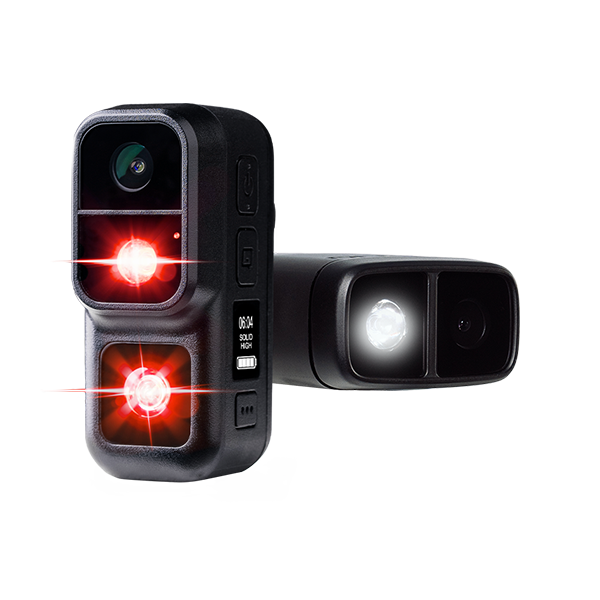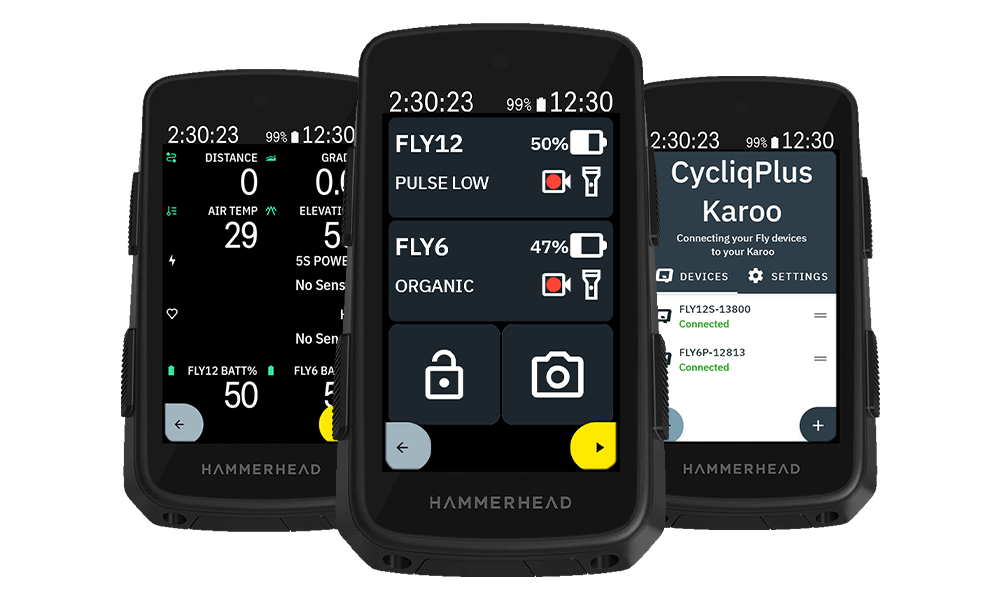
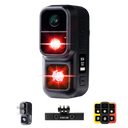
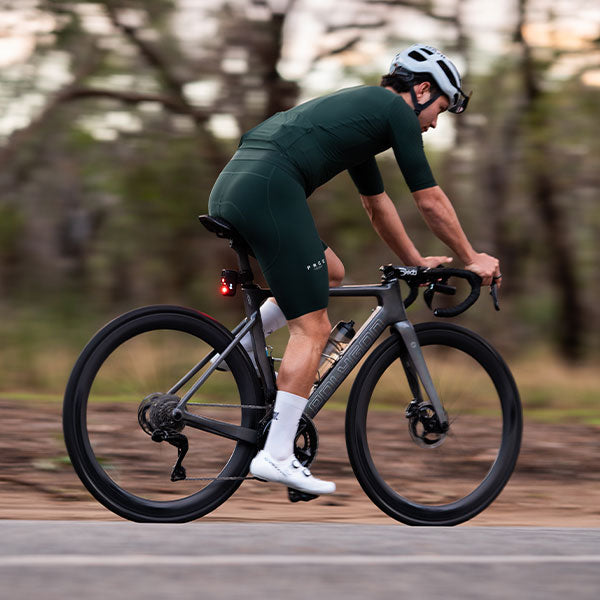

A recent Garmin Edge software update (version 31.20 or newer, affecting Edge 840, 850, 1040, and 1050) has changed how third-party data fields like CycliqPlus Edge start up on your device. If you've updated your Garmin in the last few days, you may have already noticed a difference.
What you need to do
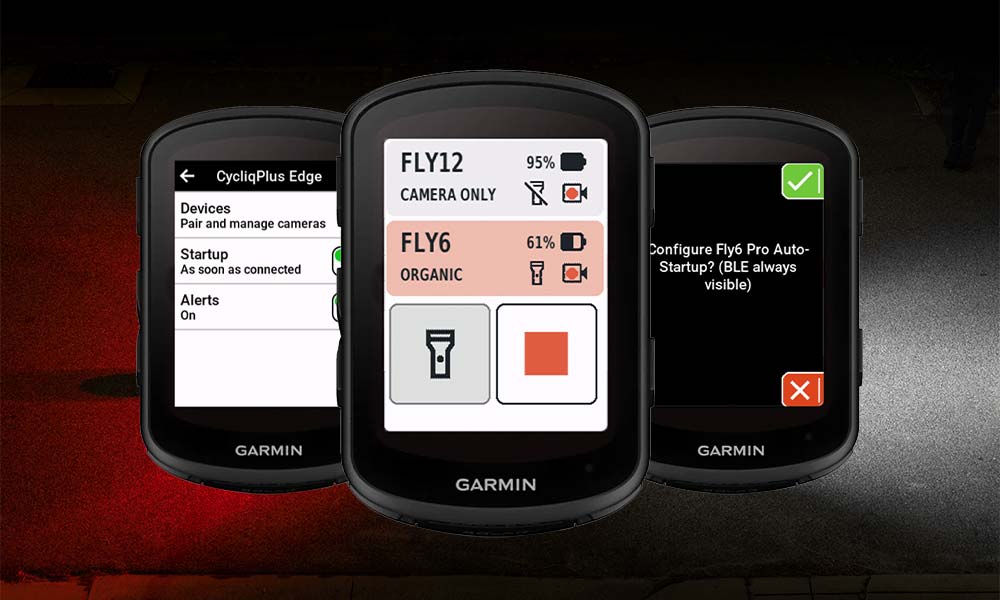
To get the best experience, simply tap your ride profile as soon as your Garmin powers on. This gives CycliqPlus Edge the maximum time to find and connect to your Fly12 Sport and Fly6 Pro before you start riding.

Edge 840 screen, Edge 850/1050 will look slightly different.
Prior to this update, CycliqPlus Edge was able to begin running as soon as your Garmin device powered on, which meant Fly12 Sport and Fly6 Pro could start connecting immediately, even before you opened a ride profile.
The updated software now starts data fields only when a ride profile is opened. Given that Garmin's Connect IQ Bluetooth APIs have inherent latency when connecting to external devices, that early startup time was important for getting you connected quickly and reliably.
CycliqPlus Edge continues to work fully with the updated software; you'll still have complete control and live monitoring of Fly12 Sport and Fly6 Pro throughout your ride. The one practical change is that connection will take a little longer, and tapping your ride profile promptly after powering on will help minimise that delay.
We're continuing to look at ways to optimise the experience within the updated framework.